Hi,
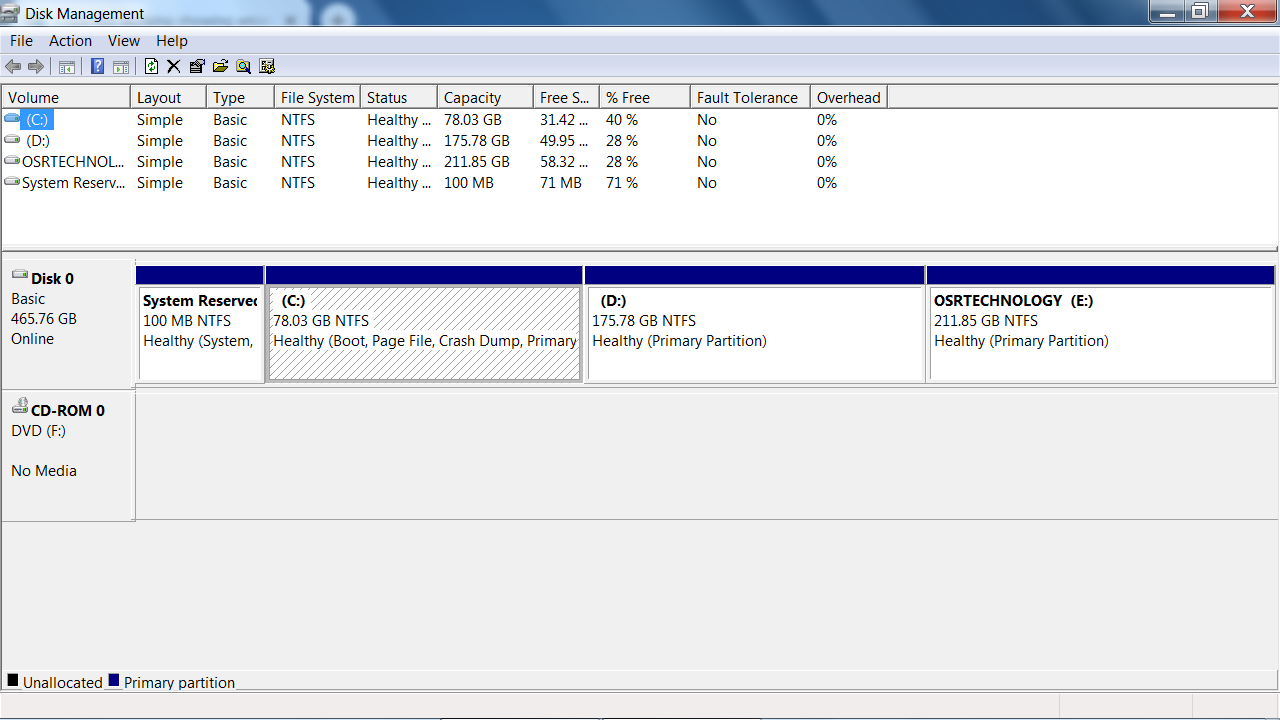
This is my personal computer. I have 2 disks normally I use one disk for the operative system and another one for gaming, images, and videos, etc., Both are HDD and 1 TB in size. The thing is that my C disk is almost full so when I try to transfer data from the C disk to the D disk it says I do not have enough space to transfer it to the D disk, but in reality, I have like 500GB left free and I just need 50GB.
Do you guys know why this is happening?
Thank you.