We are Windows 10 2012 server as our file server. Recently we changed RAID setting it cause us to reconfigure the RAID setting and I had to recopy all the files. Now everything works fine but in some folder able to able to delete file I am getting the below error:
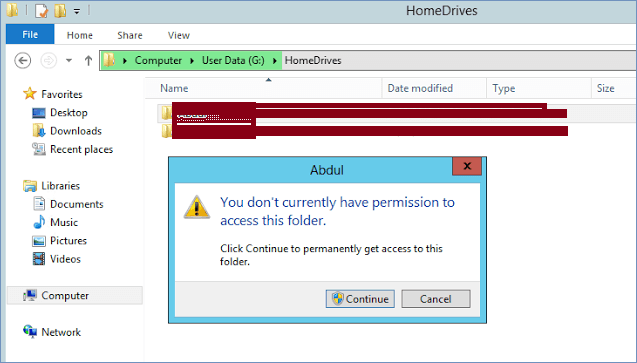
I am trying archiving some old files from a from domain network, but came across this file that I can’t move, delete, etc. It looks like I am lacking the permissions. I have admin rights, so I have rights to everything, but apparently not this file. It looks like he had set some security permissions on it.
I can read the file, just not able to get rid of it and am unable to change the existing permissions. I also tried to use an elevated command prompt, but no luck.
