Hi,
My office have mixed desktop and laptop with Microsoft and Apple. Where all of our Apple Laptops get full 500Mbps via WiFi and but Windows 10 PC cannot get past 100-160Mbps.
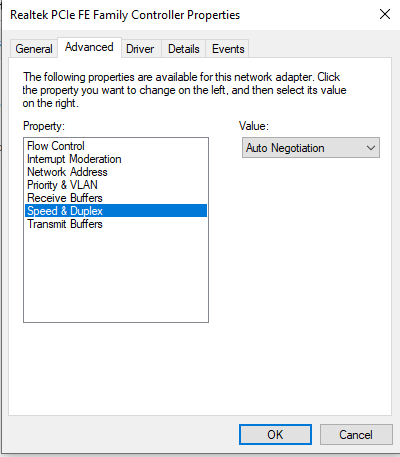
I first looked at the Speed & Duplex setting but as you can see below it set to Auto Negotiation
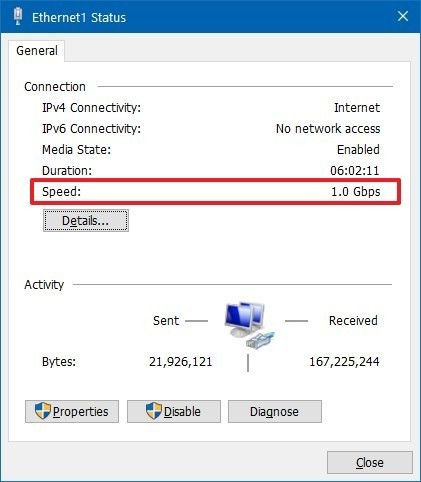
Ethernet status shows as 1.0 Gbps of speed
-
This limit for PC is both on WiFi and Direct cable connection to ISP Router.
-
So definitely not ISP or router. Something in my Windows 10 PC…
-
Tried turning on/off the TCP autotuninglevel - no effect.
-
Tried TCPOptimizer - no effect.
-
And yes reboot after every change.
Any tips?
Thanks!
