Windows 10 freeze on clicking anything

Hello guys.

I tired of this recent issue where I am not able to do anything on my laptop. When I open my laptop everything seems fine but when I click on anything the screen freezes. The taskbar stops responding and I can’t even ctrl + alt + delete. After a few minutes, it seems like I can click on things but everything becomes frozen again the second I try to do anything.

I get the below similar error depending on the application after a few minutes.
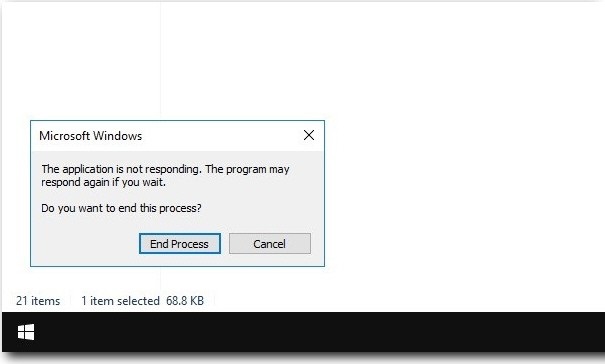
windows not responding

My laptop screen has also turned black when attempting to open chrome and sometimes when I try to open settings from the taskbar. Using the power button to shut down the laptop has not been helping and once the laptop froze before I even signed in! It feels as though the windows itself are broken.

Can someone please help me solved this issue?

Thanks in advance.

Hello @Banning

Your system is getting hang, as you mentioned. It could be a problem of Hardware or Software (Operating System)
First of all you will have to sort out that it is a hardware problem or software problem.
For that you start your system in safe mode then observe that your system is giving the same problem as you observed in Normal mode.
If yes then contact to your hardware vendor or if there is not any problem then you will have to install Operating system or you can check startup option tab in msconfig command and disable unwanted program from startup tab.

Here is the link which help you to disable programs

1 Like

Hello

If you can check task manager and high usage apps.

But I think you need new fresh windows OS to install

You can download it from official site

1 Like